A small to-do list app for iPhone and Mac
Small list.
Clear head.
TinyTodo is a small, native to-do list for iPhone and Mac. Catch a thought, keep it close, and let it go when it’s done.
Local by default · Optional Apple sync · One-time purchases
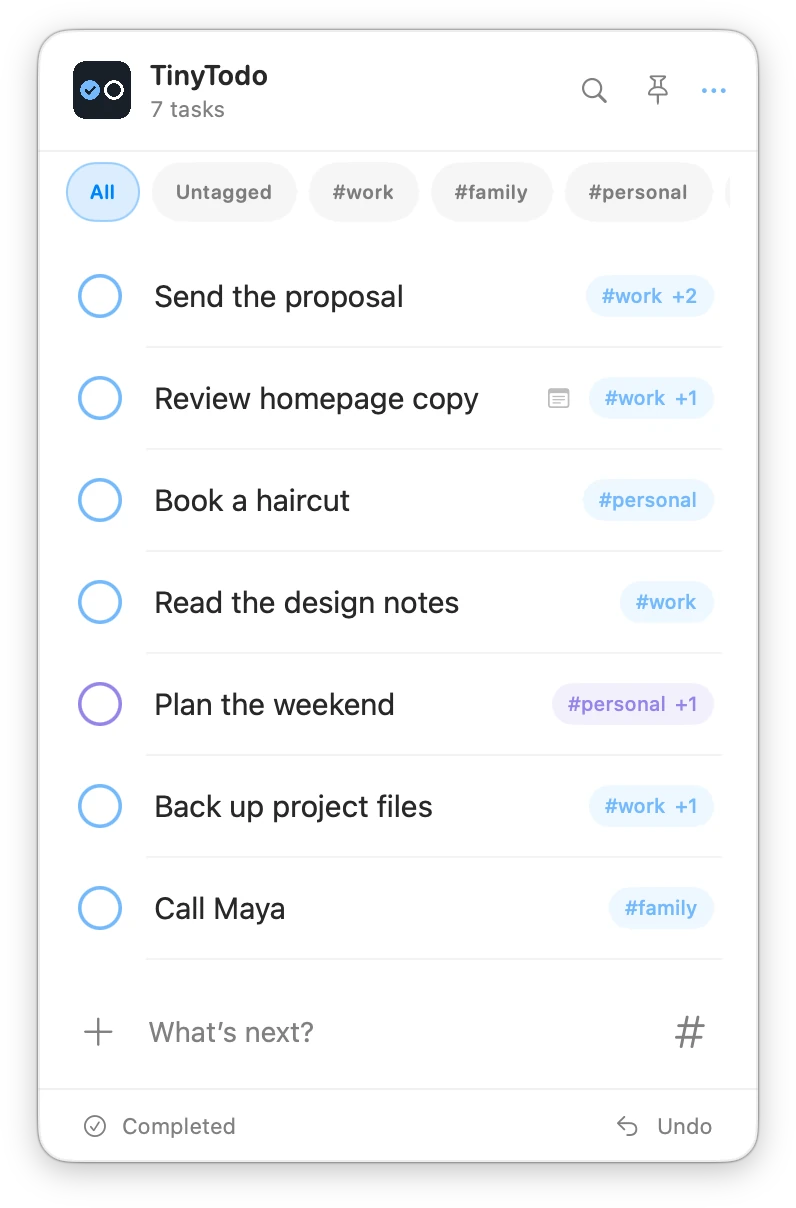
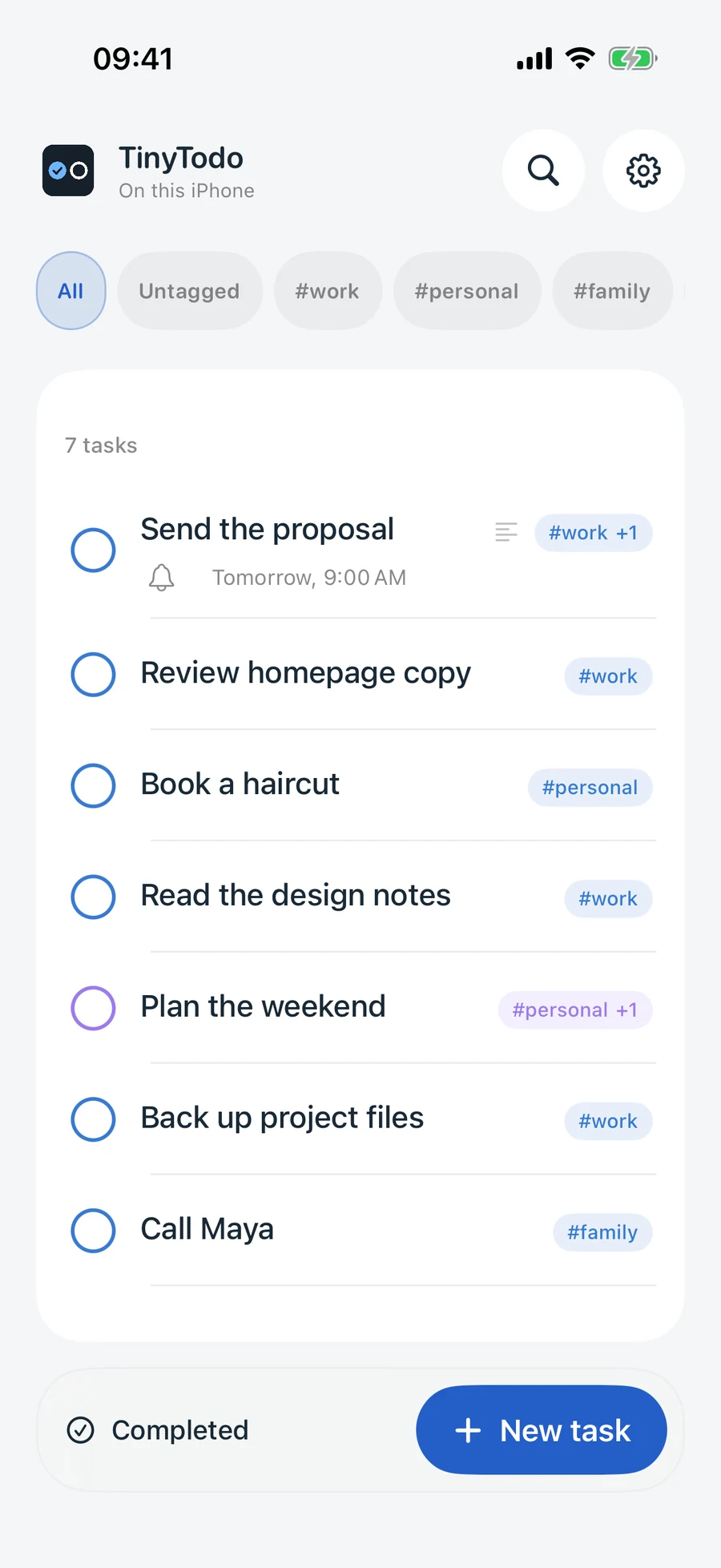
Quick to capture.
Easy to come back to.
Good to get done.
TinyTodo for Mac
A menu-bar to-do list
for Mac.
TinyTodo for Mac keeps a small list beside your work. One click in the menu bar brings your next few things into view. Capture a task, find a detail, then get back to what you were doing.
Watch the Mac app in actionClose at hand. Out of the way.
Pin the panel beside your work, or bring it up when you need it. Type a task and press Return. Drag tasks into the order that makes sense to you.
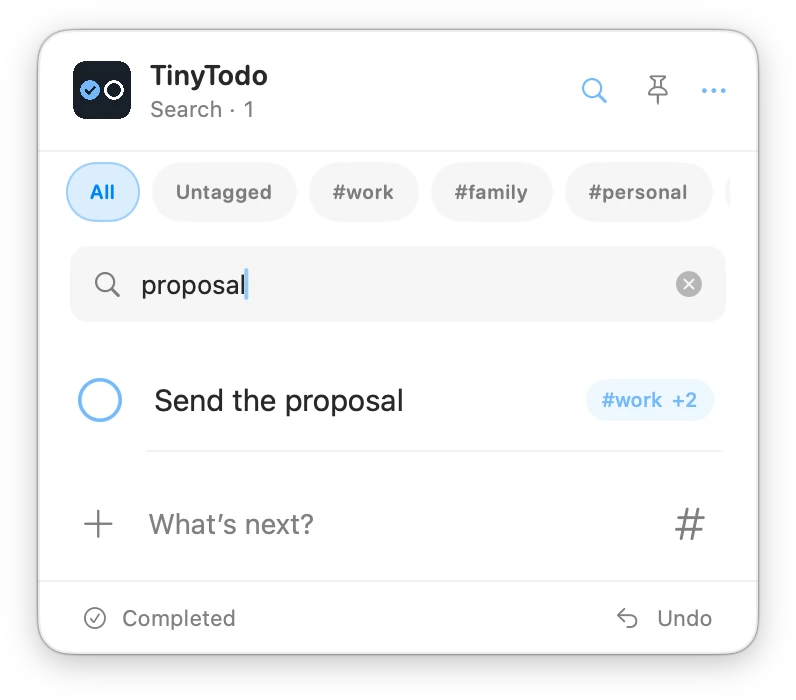
Find the thought.
Search your tasks and notes from the panel. Use tags to keep work, home and everything between in one manageable list.
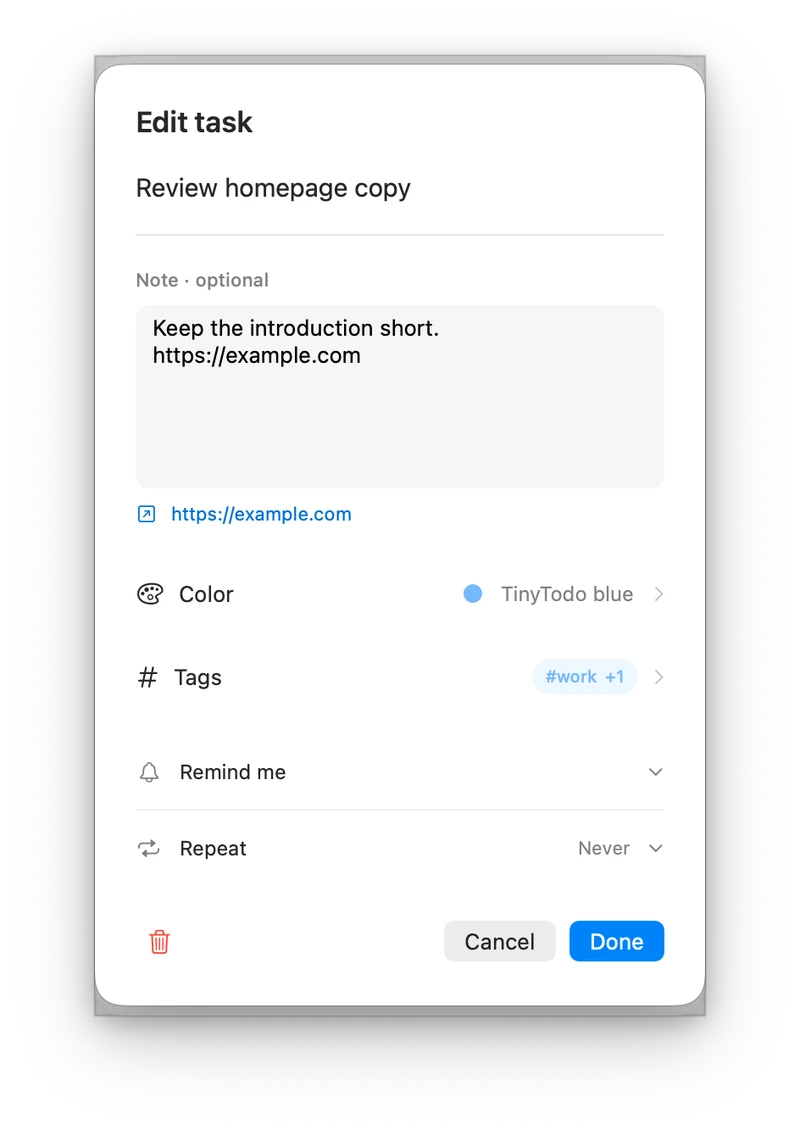
A little context helps.
Add a note or a link. Set a reminder for the right moment, or repeat a task for a routine you want to keep.
TinyTodo for iPhone
An iPhone to-do list
for your next small step.
TinyTodo for iPhone is for the errand on your way home, the idea between meetings and the thing you’d rather not forget. The same calm approach, made for your pocket.
Watch the iPhone app in action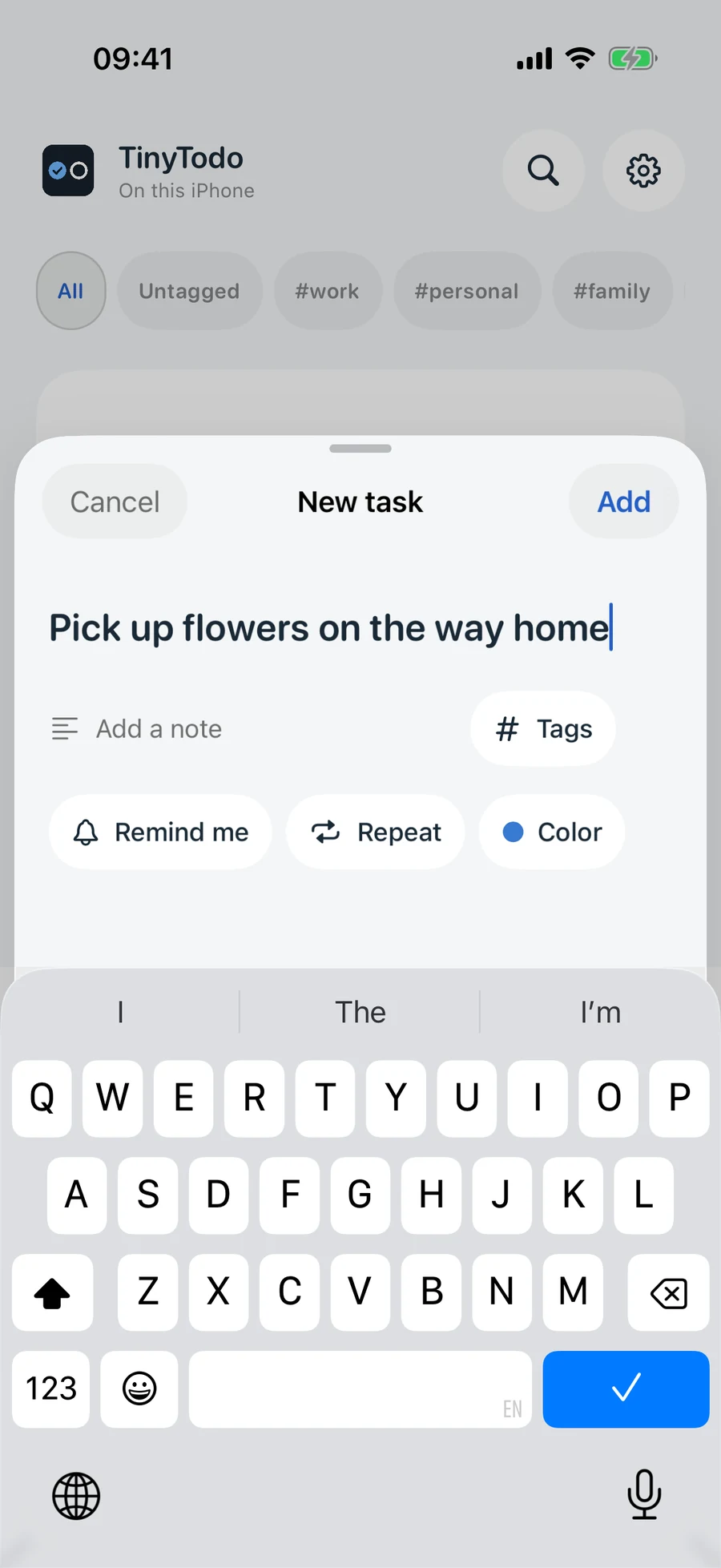
Get it down. Keep going.
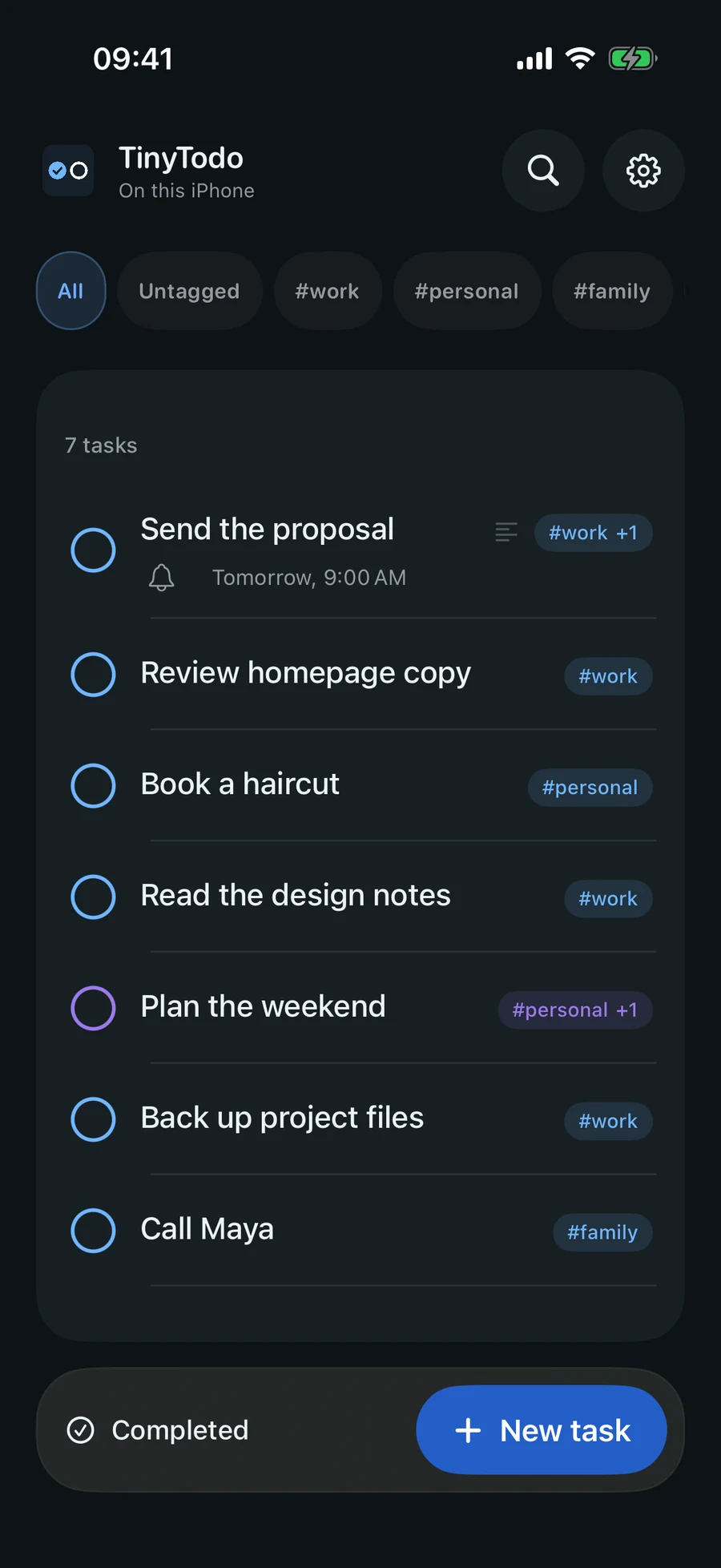
Tap New task and start typing. A compact sheet keeps capture quick, with room for a note, tags or a reminder when you need them.
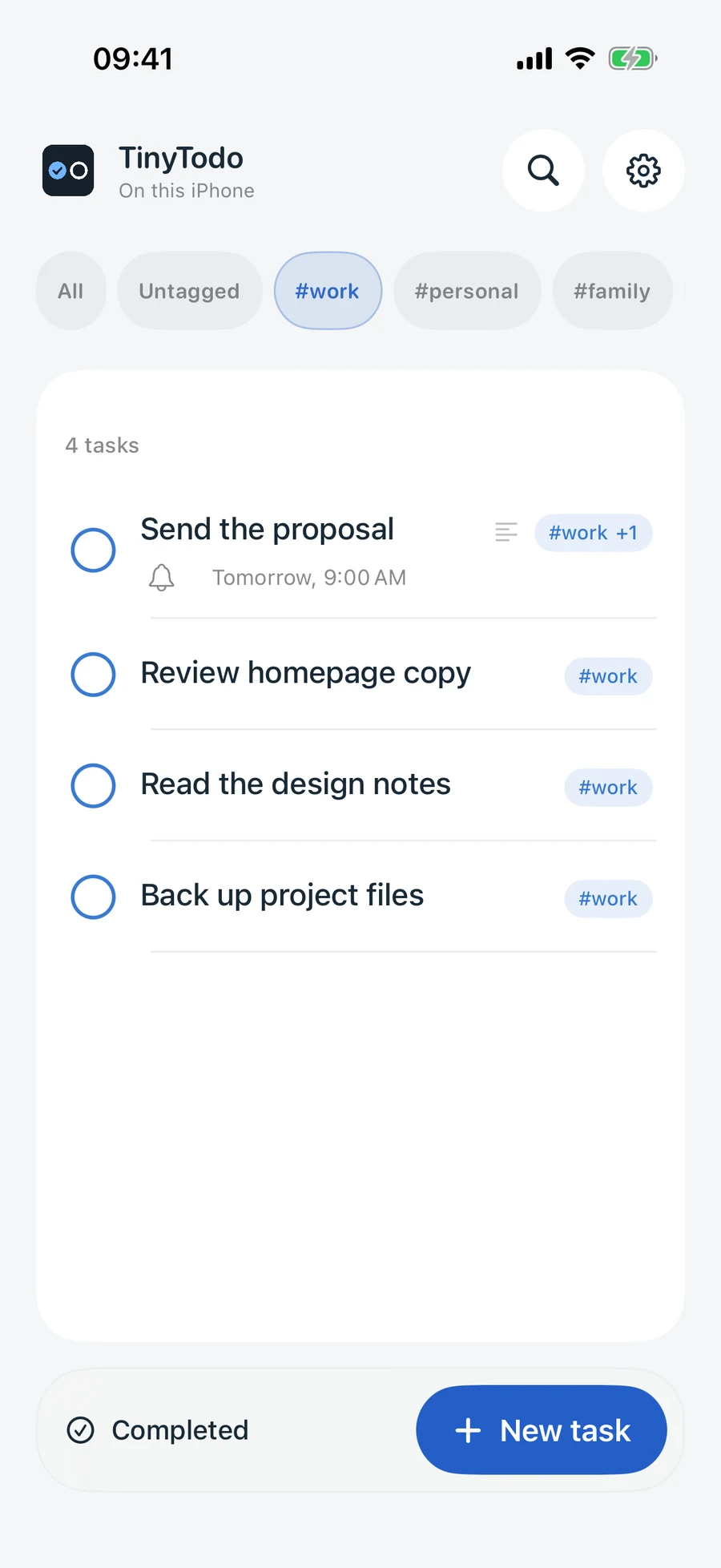
Tags instead of separate lists.
Give a task more than one tag. Switch between work, personal and family with a tap, without moving everything into separate lists.
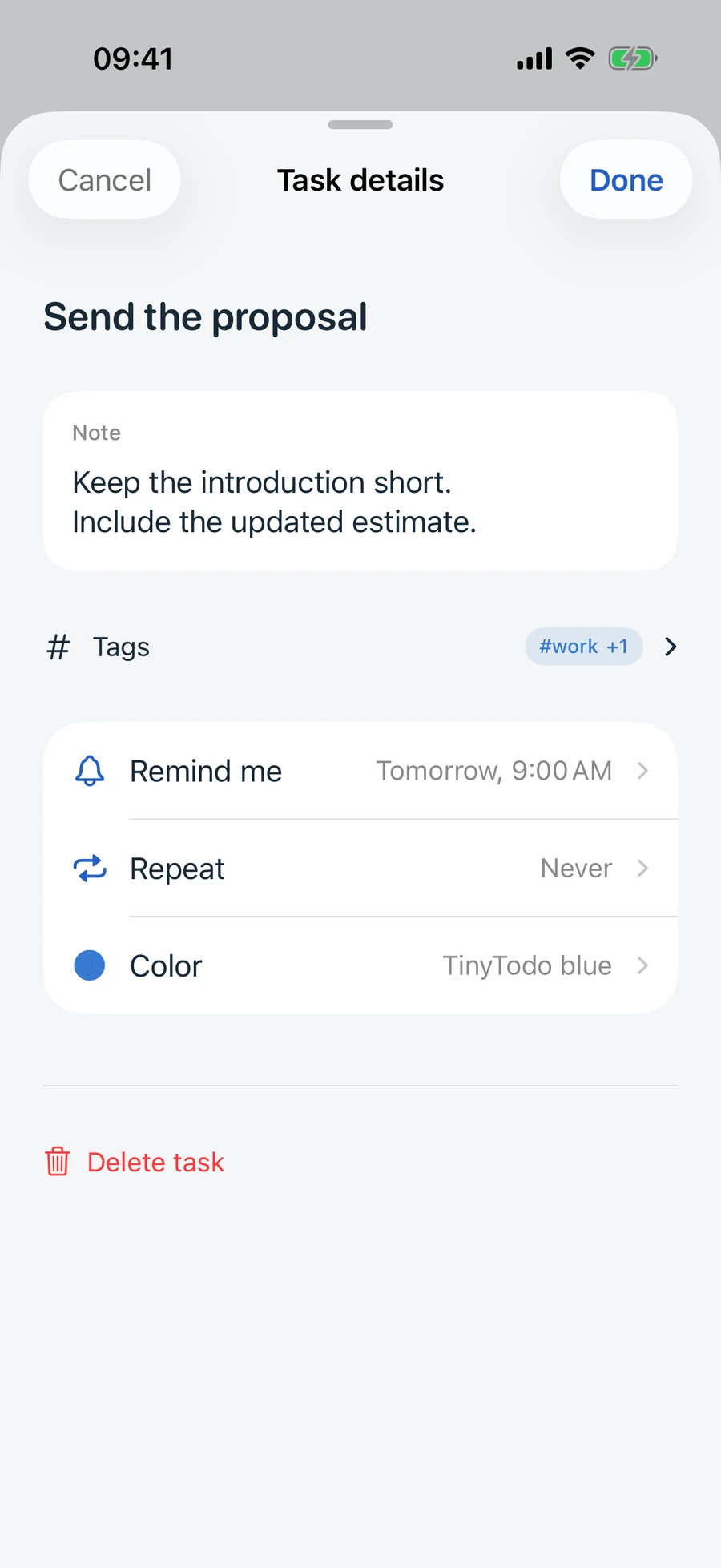
The little things, in hand.
Keep the link, the extra context and the reminder with the task. Press and hold a row to put your next few things in order.
Real app screens with example tasks. Select any screenshot for a larger view.
A quieter view
Easy on the eyes.
Any time of day.
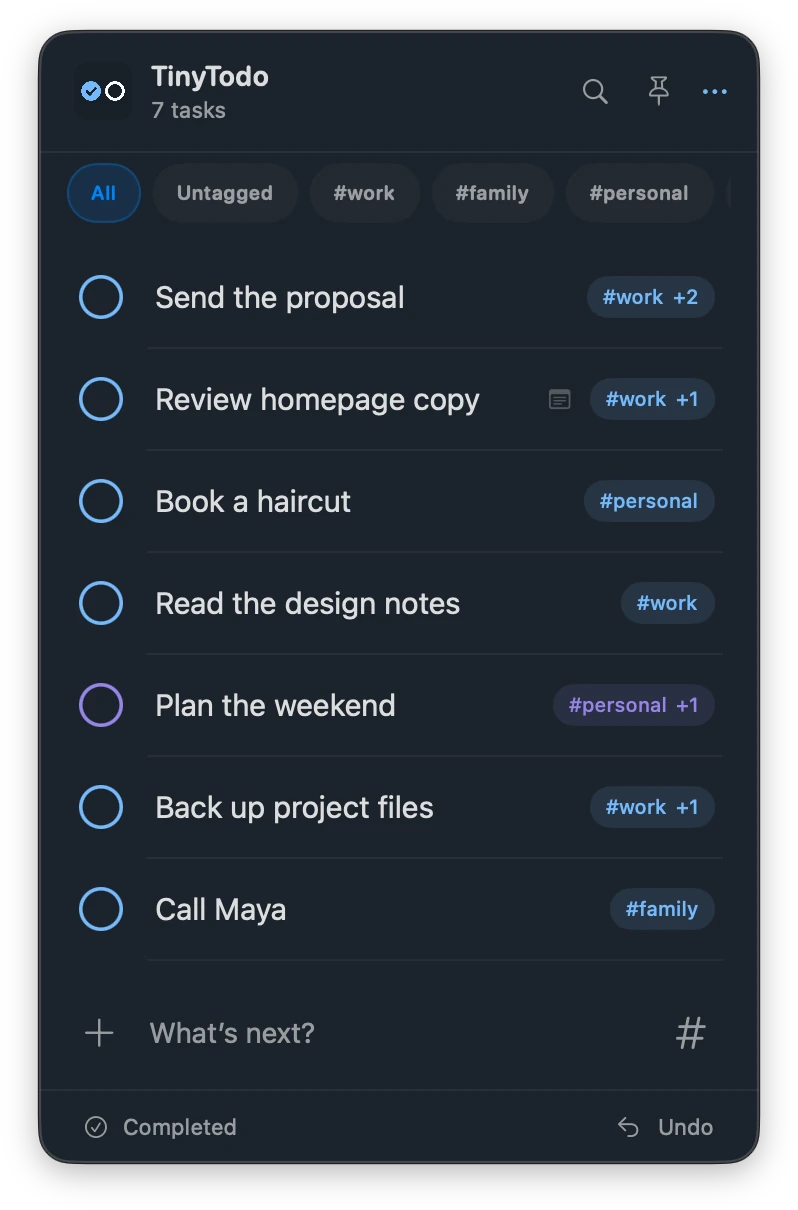
Bright porcelain in the daytime. Deep ink after hours. Both apps offer light, dark and system appearance, with the same familiar list in each.
Your colors, tags and next small steps stay easy to find.
A little more space
Done feels good.
And it’s easy to undo.
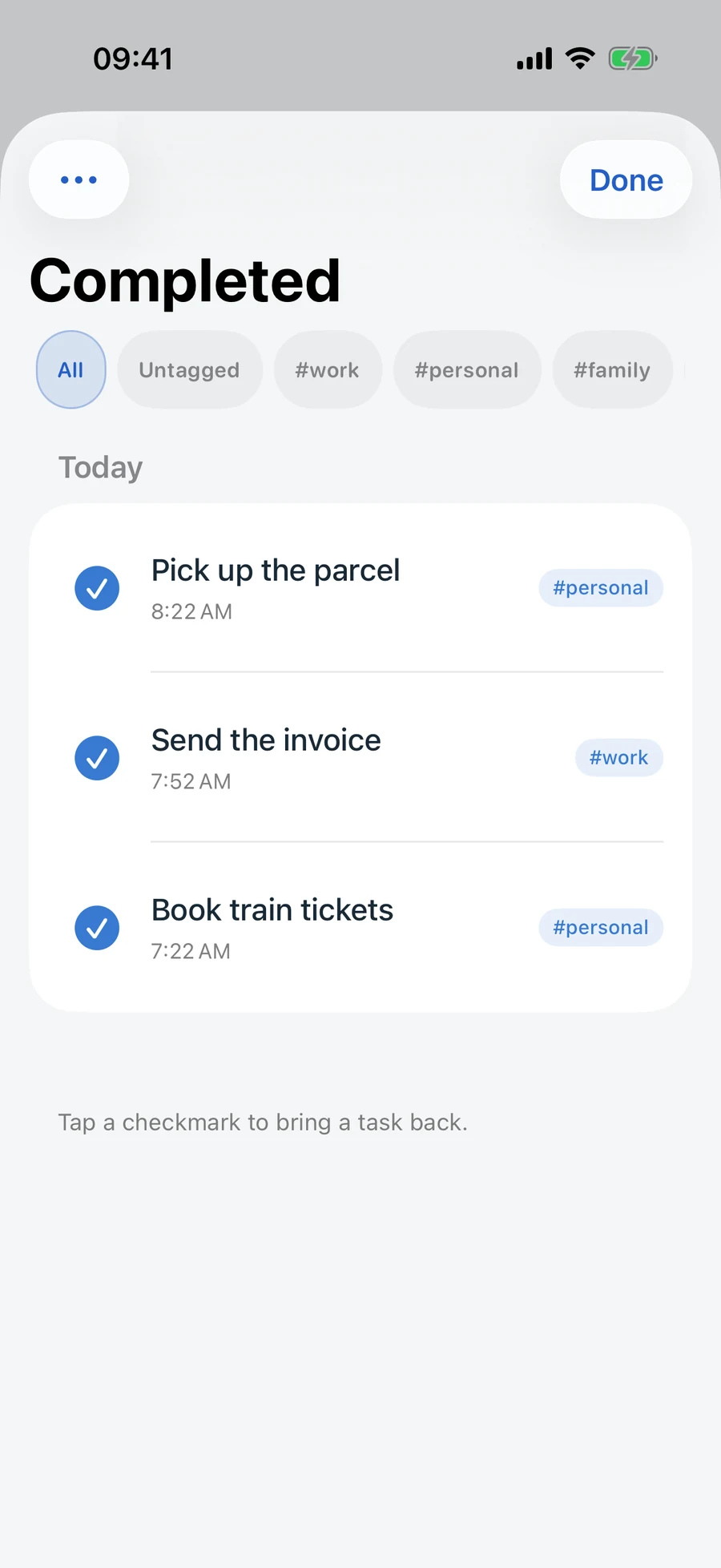
Check off a task and watch your list get a little lighter. A brief confirmation gives you a chance to undo an accidental tap.
Finished, still findable.
Completed tasks have their own view. Bring one back when you need it, or look in History for earlier changes.
Keep it within reach.
Add a Home Screen or Lock Screen widget on iPhone. Your next few things are there when you need a quick glance.
Your list. Your choice.
Local tasks. Optional sync.
Connect your AI with MCP.
A little space for what’s next
Make room for your day.
TinyTodo for iPhone and Mac. Each app is a separate one-time purchase, with optional sync and no TinyTodo subscription. Check the App Store for availability and local pricing.
Coming to the App Store. Planned price: USD 0.29 / NOK 3 per app. Pricing details.
iPhone: iOS 18 or later · Mac: macOS 27 or later
Features and common questionsA little help, if you need it